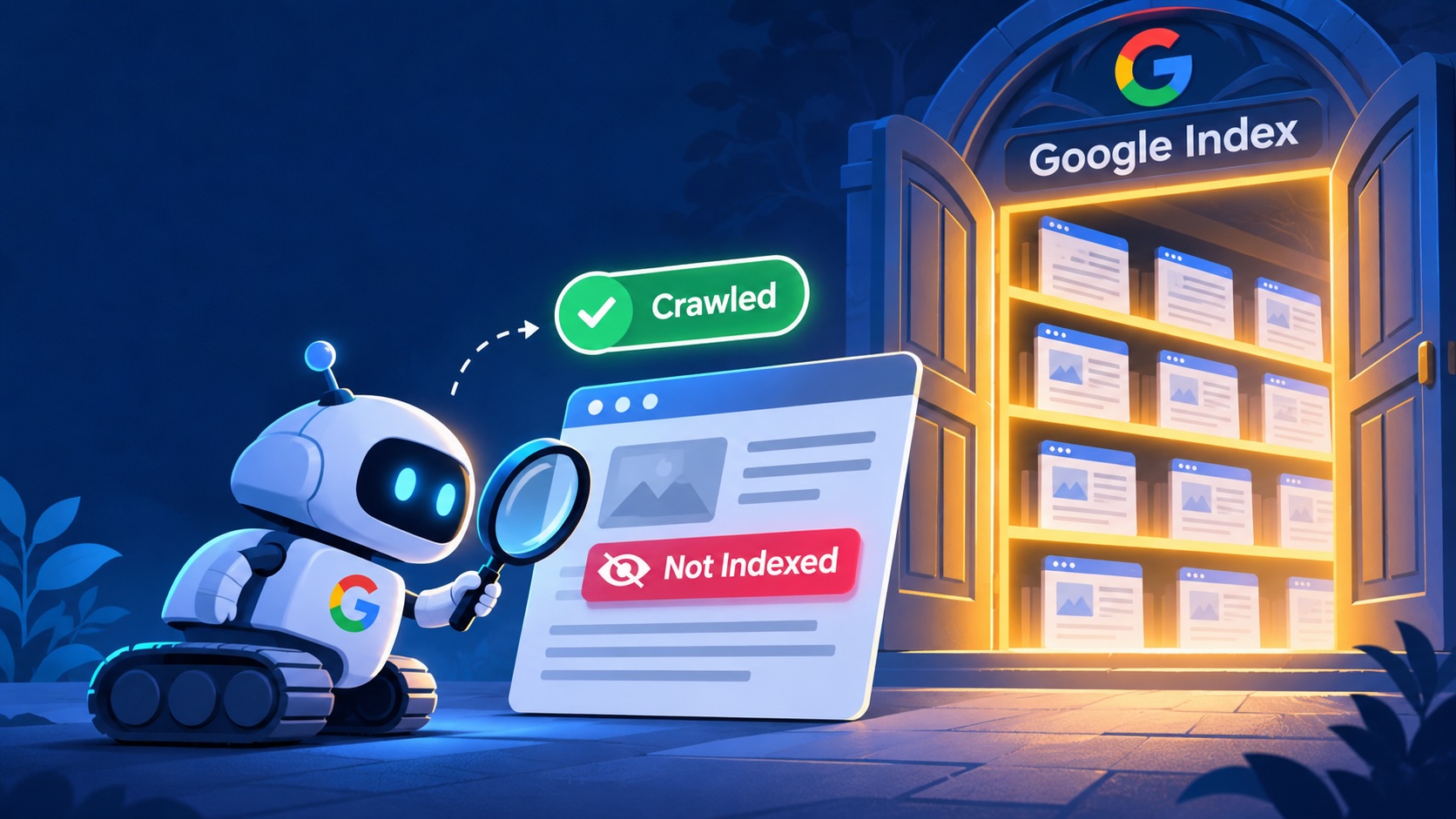
You open Search Console and see two ugly words: “Crawled, currently not indexed.” Google crawled but not indexed your page. It visited. It looked around. Then it left without saving anything.
That means your page can’t show up in search. No index, no traffic.
Don’t panic. This is one of the most common Google Search Console indexing issues, and most of the time you can fix it. Think of your page like a patient at a clinic. We run a quick checkup, find the problem, and give the right treatment.
Here are 7 fixes that work in 2026.
1. Know What “Google Crawled but Not Indexed” Really Means
Crawling and indexing are two different steps.
Crawling means Google’s bot visited your page. Indexing means Google decided the page is good enough to store and show in results.
So this status is not an error. It’s a decision. Google saw your page and said, “Not yet.” Your job is to give Google a reason to change its mind.
Also note that this is different from “Discovered, currently not indexed.” In that case Google hasn’t even visited the page yet.
2. Confirm the Page Is Really Not Indexed
Before you fix anything, check the facts. Search Console data can lag by a few days.
- Paste the URL into the URL Inspection tool and read the live status.
- Search site:yourdomain.com/page-url on Google.
- Check the last crawl date. If it’s very old, the data may be stale.
If the page shows up in these checks, you’re fine. If not, move on to the next fixes.
3. Fix Thin or Copied Content
This is the number one reason a page is not indexed by Google.
Google has billions of pages to store. It skips pages that add nothing new. Watch for these signs:
- Under 300 words with no real answer
- Text that is copied or lightly reworded from other sites
- Many pages that say almost the same thing
- AI written pages with no real experience or facts
Ask one simple question: “Would someone learn something here that they can’t learn on the top 10 results?” If the answer is no, rewrite the page. Add your own examples, data, screenshots and opinions.
4. Add Internal Links From Strong Pages
Google decides how important a page is by how your site links to it. A page with no links is like a shop in a dead end street.
Here’s what to do:
- Link to the page from your homepage or a top blog post
- Use clear anchor text, not “click here”
- Add the page to a relevant category or hub page
- Link to 3 to 5 related pages from inside it
Strong internal linking for SEO is often the cheapest fix on this list. It costs nothing and works fast.
5. Check Noindex and Canonical Tags
Sometimes you did this to yourself. A small code mistake can block a page.
Open your page source and look for:
- A noindex tag in the robots meta tag
- A canonical tag that points to a different URL
- A redirect chain that sends Google somewhere else
- A page blocked in robots.txt
If the canonical points to another page, Google will index that page and skip yours. Make sure each page you want in search has a self canonical tag.
6. Clean Up Your Sitemap and Site Structure
Your sitemap tells Google what you care about. A messy sitemap sends mixed signals.
- Keep only indexable pages in the sitemap
- Remove redirected, broken or noindex URLs
- Update the lastmod date only when you really change the page
- Fix orphan pages, which are pages with zero internal links
A clean sitemap helps Google spend its crawl budget on pages that matter. This is a big deal for large sites with hundreds of URLs.
7. Improve Speed and Page Experience
If your page loads slowly or breaks on mobile, Google may not bother to index it.
Quick checks:
- Run the page through PageSpeed Insights
- Make sure the main content shows without heavy JavaScript
- Test it on a real phone
- Compress big images and remove extra scripts
Google can only index what it can render. If your key text loads late or hides behind scripts, Google may see an empty page.
| Reason | What it looks like | Fix |
|---|---|---|
| Thin content | Short page with no real value | Rewrite with depth and examples |
| Duplicate content | Same text on many URLs | Merge pages or add canonicals |
| Weak internal links | Page has 0 to 1 links | Link from strong pages |
| Noindex or wrong canonical | Tag blocks or redirects Google | Remove or correct the tag |
| Poor sitemap | Broken or redirected URLs listed | Clean and resubmit |
| Slow or broken page | Poor mobile score | Speed up and simplify code |
After the Fix: Request Indexing and Be Patient
Once you’ve made changes, go back to the URL Inspection tool and click Request Indexing. This tells Google to take another look.
Then wait. Indexing can take a few days to a few weeks. Don’t spam the button. It won’t speed things up.
If a page is still not indexed after 4 to 6 weeks, the problem is almost always content quality. Go back to fix number 3 and be honest about it. Sometimes the right move is to delete a weak page or merge it into a better one.
Final Thoughts
When Google crawled but not indexed your page, it’s not a penalty. It’s feedback. Google is telling you the page needs more value, more links or a cleaner setup.
Start with content quality. Then fix links, tags and speed. Request indexing and give it time.
If you don’t want to guess, the team at Effix Labs can audit your site, find why pages aren’t getting indexed, and build a clear plan to fix it. Good content that Google can’t index helps no one, so get it seen.
Frequently Asked Questions
- What does “Crawled, currently not indexed” mean? Google visited your page but chose not to add it to its search index yet. It is not an error. It is a quality or priority decision.
- Is “Crawled, currently not indexed” bad for my site? Not always. A few pages in this status is normal, like tag pages or old posts. Worry when your money pages or best blog posts show up here.
- What is the difference between “Crawled” and “Discovered, currently not indexed”? With “Crawled” Google has already visited the page. With “Discovered” Google knows the URL exists but hasn’t visited it yet, often because of crawl budget or a slow server.
- How long does Google take to index a page after I fix it? Technical fixes can work in a few days. Content fixes usually take 2 to 4 weeks. Some pages take longer on new or low authority sites.
- Does the Request Indexing button force Google to index my page? No. It only asks Google to recrawl the page sooner. Google still decides if the page is worth indexing, so fix the page first.
- Can AI written content cause this problem? Yes, if the content is generic and adds nothing new. Google does not ban AI content. It skips pages with no original value, no real examples and no clear expertise.
- How many internal links does a page need to get indexed? There is no fixed number. Aim for at least 3 to 5 links from related and strong pages, with clear anchor text. Pages with zero links often stay unindexed.
- Should I delete pages that stay unindexed? If a page is weak and has no traffic or links, yes. Delete it or merge it into a better page and redirect the old URL. If the page matters, improve it instead.
Nice information